Home assistant add-on: fireflyiii
Open Issue : 7.6", Open Issue : version: Open Issue : system Open Issue : Host Open Issue : - Open Issue : 2022.5.1 Open Issue : version: Open Issue : Supervisor Open Issue : - Open Issue : Open Issue : --> Open Issue : tab. Open Issue : System Open Issue : the Open Issue : on Open Issue : page Open Issue : Supervisor Open Issue : the Open Issue : under Open Issue : found Open Issue : be Open Issue : can Open Issue : information Open Issue : Those Open Issue : Open Issue : your Open Issue : remove Open Issue : please Open Issue : yaml, Open Issue : in Open Issue : config Open Issue : addon Open Issue : The Open Issue : Open Issue : addon Open Issue : the Open Issue : starting Open Issue : when Open Issue : appears Open Issue : that Open Issue : log Open Issue : full Open Issue : The Open Issue : Open Issue : is. Open Issue : bug Open Issue : the Open Issue : what Open Issue : of Open Issue : description Open Issue : concise Open Issue : and Open Issue : clear Open Issue : A Open Issue : Open Issue : for. Open Issue : is Open Issue : issue Open Issue : this Open Issue : addon Open Issue : the Open Issue : of Open Issue : title Open Issue : The Open Issue : Open Issue : MD036 Open Issue : markdownlint-disable Open Issue : "<!-- Open Issue : "body": Open Issue : 5.7.5", Open Issue : in Open Issue : ui Open Issue : No Open Issue : "[Fireflyiii] Open Issue : "title":








Thanks to everyone having starred my repo! To star it click on the image below, then it will be on top right. Thanks!
About
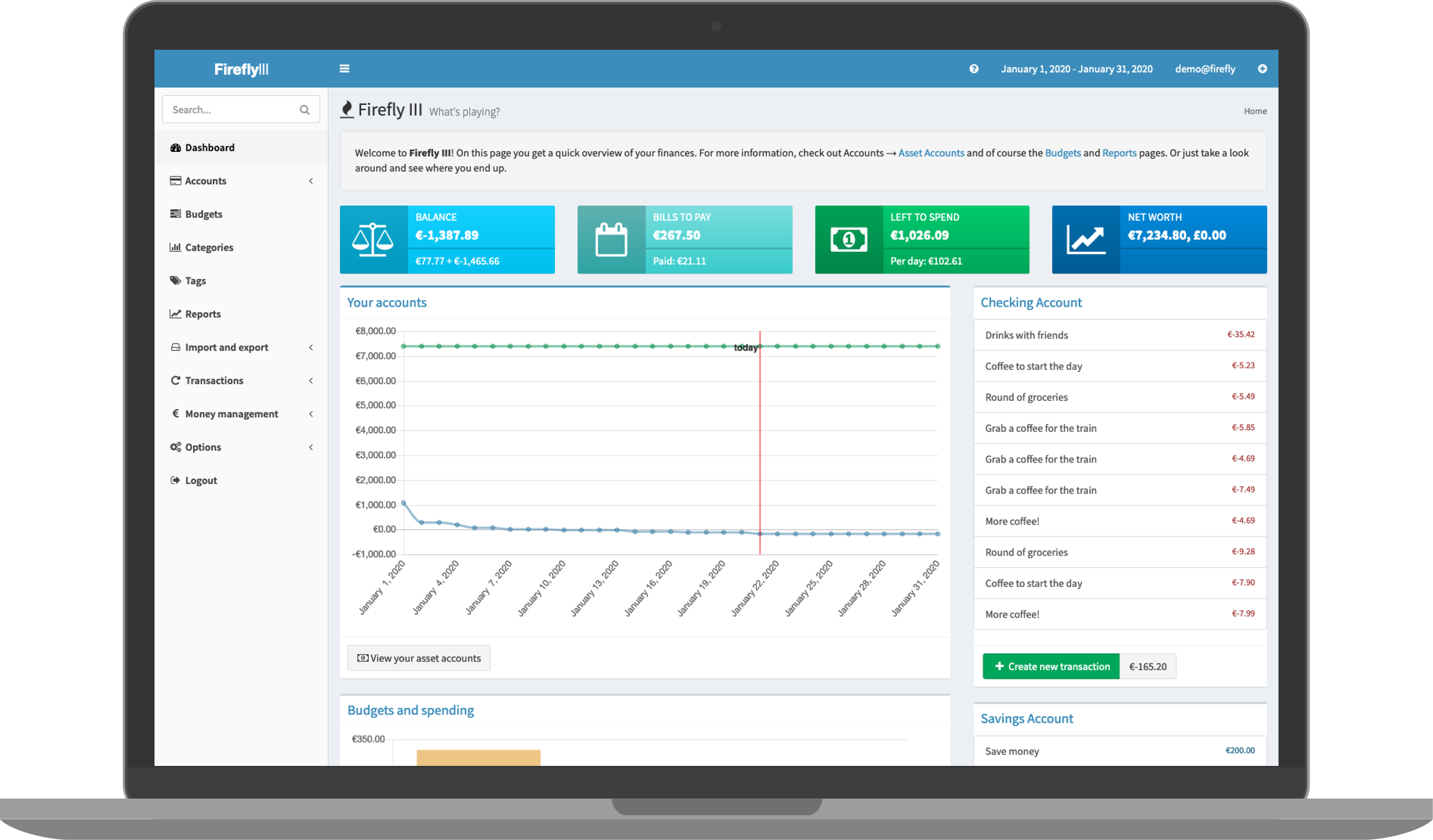
"Firefly III" is a (self-hosted) manager for your personal finances. It can help you keep track of your expenses and income, so you can spend less and save more. This addon is based on the docker image https://hub.docker.com/r/fireflyiii/core
Configuration
PLEASE CHANGE YOUR APP_KEY BEFORE FIRST LAUNCH! YOU WON'T BE ABLE AFTERWRADS WITHOUT RESETTING YOUR DATABASE.
Options can be configured through two ways :
- Addon options
"CONFIG_LOCATION": location of the config.yaml # Sets the location of the config.yaml (see below)
"DB_CONNECTION": "list(sqlite_internal|mariadb_addon|mysql|pgsql)" # Defines the type of database to use : sqlite (default, embedded in the addon) ; MariaDB (auto-detection if the MariaDB addon is installed and runs), and external databases that requires that the other DB_ fields are set (mysql and pgsql)
"APP_KEY": 12 characters # This is your encryption key, don't lose it!
"DB_HOST": "CHANGEME" # only needed if using a remote database
"DB_PORT": "CHANGEME" # only needed if using a remote database
"DB_DATABASE": "CHANGEME" # only needed if using a remote database
"DB_USERNAME": "CHANGEME" # only needed if using a remote database
"DB_PASSWORD": "CHANGEME" # only needed if using a remote database
"Updates": hourly|daily|weekly # Sets an automatic update
"silent": true # If false, show debug info
- Config.yaml
Additional variables can be set as ENV variables by adding them in the config.yaml in the location defined in your addon options
The complete list of ENV variables can be seen here : https://raw.githubusercontent.com/firefly-iii/firefly-iii/main/.env.example
Installation
The installation of this add-on is pretty straightforward and not different in comparison to installing any other add-on.
- Add my add-ons repository to your home assistant instance (in supervisor addons store at top right, or click button below if you have configured my HA)

- Install this add-on.
- Click the
Savebutton to store your configuration. - Set the add-on options to your preferences
- Start the add-on.
- Check the logs of the add-on to see if everything went well.
- Open the webUI and adapt the software options
Support
Create an issue on github
Illustration